Back to Plugins
For Hermes*
Discord plugin
An admin dashboard to choose where your agent replies on Discord, change reply settings, and manage its home channel.
Set up with your agent
- Download the plugin.
- Follow the guide and paste the install prompt into your agent.
- Open your dashboard in your browser.
* Experimental. For Hermes 0.21.2 through 0.21.x.
Inside the dashboard
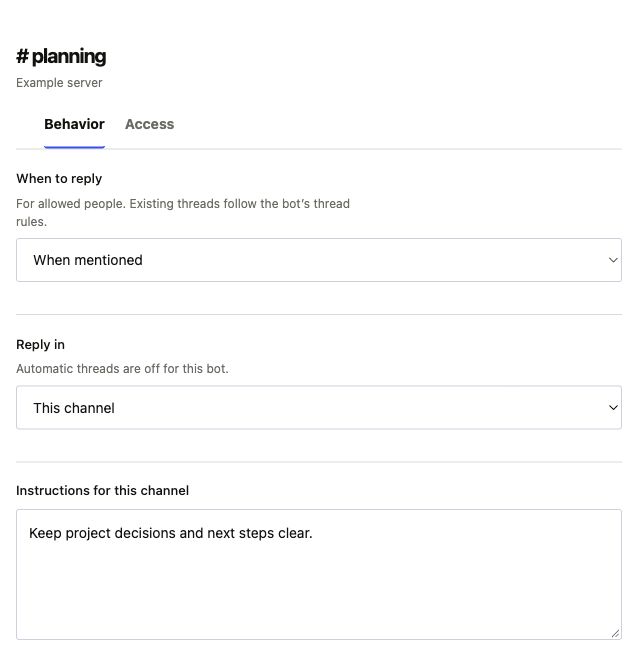
Channel settings
Choose when your agent replies, where replies go, and the instructions it follows.
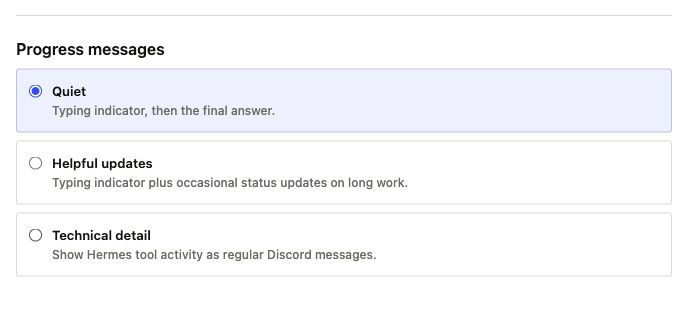
Noise settings
Choose quiet replies, occasional updates, or tool activity.
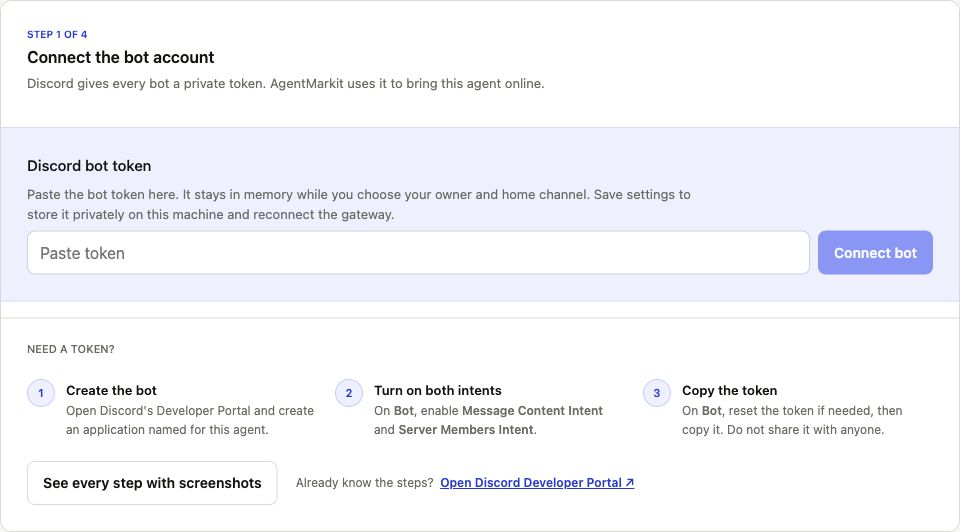
Connect to Discord
Follow the guide to connect your bot, choose a home channel, and test a reply.